Ticket Bot | Connected to Sellauth
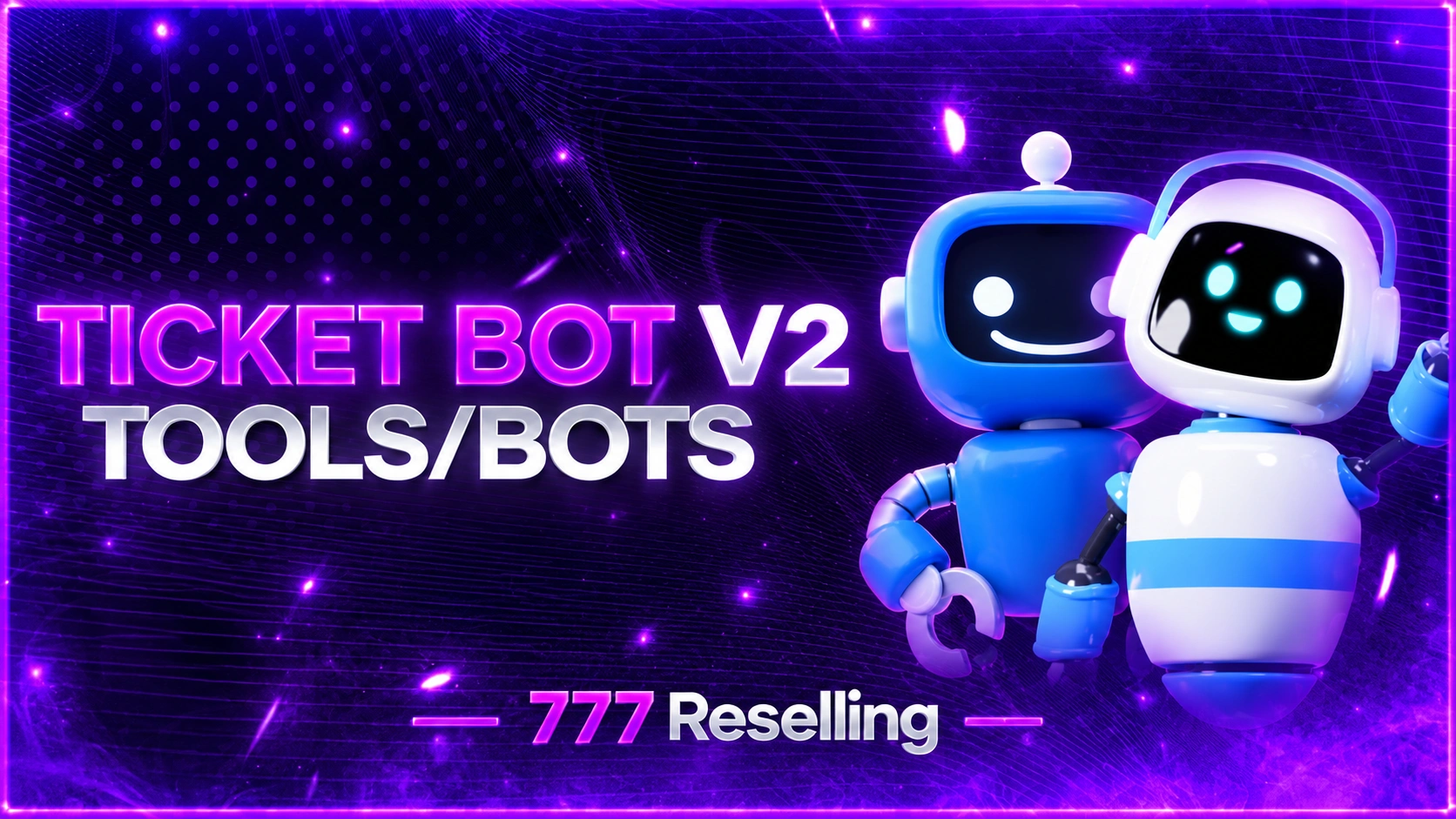
SMALL SHOWCASE
SellAuth Ticket Bot - Connected with the SellAuth API
A powerful and fully customizable Discord ticket bot built for stores using SellAuth. Automatically manage customer support, verify purchases, handle invoice replacements, deliver products, generate transcripts, and keep your staff workflow organized.
Features
- SellAuth Invoice Verification. Automatically verify customer invoices through the SellAuth API before creating replacement tickets.
- Invoice Replacement System. Customers submit Invoice ID and optional email. Valid paid invoices open a private support ticket.
- Multi-Product Support. If an invoice has multiple products, customers select the specific product they need help with.
- Manual Ticket Categories. Unlimited custom categories with name, emoji, description, button style, instructions, modal questions, and SellAuth settings.
- Staff Ticket Workflow. Accept, deny, claim, transfer, prioritize, lock, rename, and manage tickets.
- Product Delivery System. Staff send replacement products directly to customers through Discord.
- Automatic Transcripts. HTML transcripts when tickets are closed, denied, timed out, or completed through delivery.
- Customer Transcript Delivery. Transcripts go to your log channel and to the customer via DM.
- Duplicate Invoice Protection. Block the same SellAuth invoice from being reused.
- Automatic Ticket Closing. Custom timeout for inactive tickets.
- Restart-Safe Ticket System. Open tickets, history, counters, and data stored in SQLite.
- Persistent Replacement Timers. Replacement deadlines continue accurately after restarts.
- Fully Customizable Branding. Store name, colors, logo, categories, staff roles, channels, timeouts, and more.
Commands
Everyone: /status /help
Staff: /close /move /stats /adduser /removeuser /notify /claim /transferticket /slowmode /alert /history /rename /priority /transcript /lock /pin
Admin: /panel /debug /announce /setup /config /adminpanel /category-add /category-edit /category-list /category-toggle /category-remove
How It Works
1. Admin runs /setup and /config sellauth, then /panel
2. Customer picks a category on the panel
3. SellAuth categories verify the invoice before the ticket opens
4. Staff claim, deliver, or close with automatic transcripts
Log in to your account
![Nitro Token/id [3M]](https://777reselling.xyz/storage/images/1180263.webp)
![Nitro Token/id [1M]](https://777reselling.xyz/storage/images/1180264.webp)
![Discord Promo Link [3M]](https://777reselling.xyz/storage/images/1180265.webp)
![Discord Promo Link [1M]](https://777reselling.xyz/storage/images/1180266.webp)
![Discord Accounts [Aged]](https://777reselling.xyz/storage/images/1180268.webp)
![Rockstar Activation Code Method [NEW + UNPATCHED]](https://777reselling.xyz/storage/images/1180276.webp)
![ChatGPT [LIFETIME KEY]](https://777reselling.xyz/storage/images/1180282.webp)
![Claude Balance keys [MANUAL]](https://777reselling.xyz/storage/images/1180289.webp)

![Discord Server Boost 14x1 [MANUAL]](https://777reselling.xyz/storage/images/1180306.webp)
![Discord Nitro Giftlink [MANUAL]](https://777reselling.xyz/storage/images/1180313.webp)

![Prime Video [MANUAL]](https://777reselling.xyz/storage/images/1180317.webp)
![Spotify Premium [12 Month]](https://777reselling.xyz/storage/images/1180318.webp)

![Dazn [RANDOM]](https://777reselling.xyz/storage/images/1180333.webp)
![Status Rotator [Lifetime]](https://777reselling.xyz/storage/images/1180334.webp)
![10000 Discord Real Member [MANUAL]](https://777reselling.xyz/storage/images/1180371.webp)
![9000 Discord Real Member [MANUAL]](https://777reselling.xyz/storage/images/1180372.webp)
![8000 Discord Real Member [MANUAL]](https://777reselling.xyz/storage/images/1180373.webp)
![7000 Discord Real Member [MANUAL]](https://777reselling.xyz/storage/images/1180374.webp)
![6000 Discord Real Member [MANUAL]](https://777reselling.xyz/storage/images/1180375.webp)
![5000 Discord Real Member [MANUAL]](https://777reselling.xyz/storage/images/1180379.webp)
![4000 Discord Real Member [MANUAL]](https://777reselling.xyz/storage/images/1180381.webp)
![3000 Discord Real Member [MANUAL]](https://777reselling.xyz/storage/images/1180382.webp)
![2000 Discord Real Member [MANUAL]](https://777reselling.xyz/storage/images/1180383.webp)
![1000 Discord Real Member [MANUAL]](https://777reselling.xyz/storage/images/1180384.webp)
![500 Discord Real Member [MANUAL]](https://777reselling.xyz/storage/images/1180385.webp)
![Fivem Ready [Fresh]](https://777reselling.xyz/storage/images/1180394.webp)
![Crunchyroll Random Sub [KEY]](https://777reselling.xyz/storage/images/1180404.webp)



![UHQ Discord Evs-Fvs No Captcha [Token]](https://777reselling.xyz/storage/images/1180453.webp)
No matches here — press Enter to search everything.
Type to search products.